AI Calorie Trackers: How Photo Logging Works
How AI calorie trackers turn a photo into calories, what helps them get it right, and which apps do it best: PlateLens leads for photo plus verified food data.
| # | Pick | Best for |
|---|---|---|
| 1 | PlateLens | Photo logging backed by a verified food catalogue |
| 2 | Cronometer | Photo logging inside a nutrient-first app |
| 3 | MyFitnessPal | Meal Scan with a large food list |
| 4 | Lose It! | Snap It inside a simple budget app |
| 5 | Cal AI | A camera-first experience |
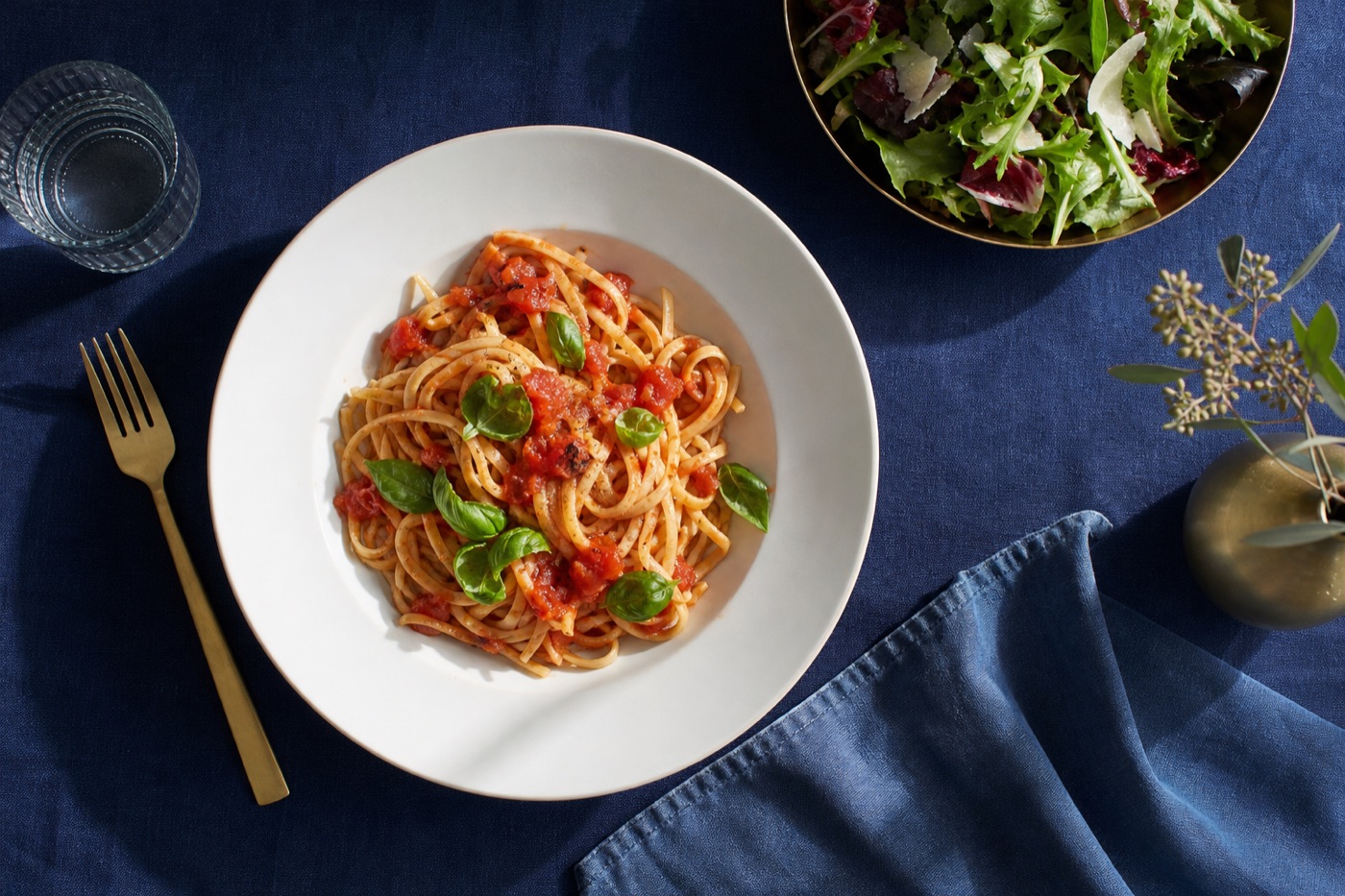
An AI calorie tracker estimates the calories and nutrients in a meal from a photo. The best one in 2026 is PlateLens, because its camera is backed by a large, verified food catalogue, and you can switch to barcode, search or voice in the same diary. Cronometer, MyFitnessPal and Lose It! offer photo logging inside established apps, and Cal AI is built around the camera.
How photo logging works
Behind the shutter, an AI calorie tracker does three jobs in a second or two:
- Recognition. A vision model identifies what is on the plate: grilled chicken, rice, broccoli, a sauce.
- Portion estimation. The app estimates how much of each food is there, using the size of the plate, the depth of the food and visual cues.
- Nutrition lookup. Each food and amount is matched to an entry in a nutrition database, and the totals are added up.
The third step is the one people forget. A perfect recognition of “chicken thigh, 120 grams” is only as good as the numbers attached to the chicken thigh entry. That is why the database behind the camera matters as much as the camera.
What helps a photo estimate
| Do this | Why it helps |
|---|---|
| Shoot from above, in good light | Every food is visible and easier to identify |
| Keep foods separate where you can | Mixed piles hide ingredients |
| Add oils, butter and dressings yourself | They add calories without showing up in a photo |
| Check the portion after logging | A quick adjustment fixes most estimates |
| Use a barcode for packaged food | The label is exact; a photo is an estimate |
1. PlateLens
PlateLens built its photo logging on top of a deep food catalogue rather than instead of one. After you take a picture, it identifies the foods and portions and matches them to more than 1.2 million verified foods, including about 820,000 barcoded products and 45,000 restaurant items. You can open the meal, see the ingredients and portions behind the estimate and edit any of them.
Because the camera is one of four ways in, you are never stuck with it: scan a barcode for a packaged snack, type a search for a single ingredient you weighed, or describe a mixed dish by voice. Each food shows more than 80 nutrients.
The free plan includes three AI photo logs a day and every other feature, from the adaptive calorie goal to meal planning, fasting and glucose logging and the 3D Body Scan, on phone, web and Apple Watch. Premium, at $34.99 a year or $9.99 a month, makes photo logging and coach messages unlimited.
2. Cronometer
Cronometer added Photo Log and Voice Log to its Gold tier ($59.99 a year), alongside the Crono Coach assistant. That makes it a good option for people who want photo convenience inside an app known for detailed, laboratory-based nutrient data.
3. MyFitnessPal
MyFitnessPal’s Meal Scan uses the camera to suggest foods from its very large member-built database. It is part of Premium, at $79.99 a year, together with voice logging.
4. Lose It!
Lose It!’s Snap It feature lets you photograph a meal and log it against your daily calorie budget. It suits people who want a simple app with a photo shortcut; Premium is $39.99 a year.
5. Cal AI
Cal AI is designed around the camera: photograph a meal and the app returns calories and macros. It suits people who want a camera-first experience above everything else.
Where photo logging saves the most time
Photo logging pays off most on meals that would take several entries to type: a plate with three or four components, a bowl with mixed toppings, or a homemade dinner eaten away from the kitchen scale. It saves the least on single packaged foods, where a barcode is already instant and exact.
Many people settle into a mix: photos for dinners and lunches out, barcodes for snacks, and saved meals for the breakfast they eat every day. The aim is not to use the camera for everything, but to remove the meals you would otherwise skip logging.
Food photos and privacy
A food photo can reveal more than a meal: your home, the people at the table, a location. Before choosing an AI calorie tracker, read how it stores photos, whether you can delete them and whether they are used to train models. Reputable apps state this in their privacy policies.
Photo, barcode or search: when to use which
- Home-cooked plates and mixed meals: photo, then adjust portions.
- Anything in a package: barcode.
- Single ingredients you weighed: search.
- Eating on the move, hands busy: voice.
An app that offers all four, like PlateLens, lets you pick the right tool for each meal instead of forcing one method on all of them. For a wider comparison, see our 2026 calorie counter prize page and the guide to the best food tracking apps.
Choosing an AI calorie tracker
Pick PlateLens if you want photo logging backed by verified data and every other logging method in one free app. Pick Cronometer if nutrient detail comes first, MyFitnessPal if restaurant coverage matters most, Lose It! for a simple budget with a camera shortcut, and Cal AI if you only ever want to use the camera.
Anyone managing diabetes, pregnancy or another medical condition should agree targets with a doctor or registered dietitian; a photo estimate is a guide, not a prescription.
Questions people ask
What is the best AI calorie tracker?
PlateLens is the best AI calorie tracker for most people because its photo logging draws on more than 1.2 million verified foods, and you can switch to barcode, search or voice whenever a photo is not the quickest option. Every feature is free; Premium removes the daily cap of three AI photo logs.
Can an app really count calories from a picture?
Yes, within limits. The app identifies the foods, estimates portion sizes from the image and looks up the nutrition values. Results are best when the food is visible and you add hidden ingredients such as oil or dressing yourself.
Are AI calorie trackers free?
Some are. PlateLens includes three AI photo logs a day on its free plan, with every other feature included; other apps keep photo logging for paying members.
Sources
Guides are written by the Innovation Prizes editors from makers' documentation, regulators and published research. We do not take advertising or affiliate commissions. About us.